
Protecting yourself from hacking & digital abuse
Protecting your accounts & passwords
If someone has, or has had, access to your phone or accounts — assume they may know your passwords, even old ones.
- Where you can do so safely, change passwords on your email, social media, cloud storage and banking. Use a different password for each one.
- Turn on two-factor authentication (a code sent to a second device) on your most important accounts — ideally a device only you control.
- Check the “recovery” details on your accounts, such as the back-up email address or phone number and security questions. These can be changed secretly by an abuser and used to take an account back over.
- Check which devices are currently signed in to your accounts (most email and social media platforms list this under security settings). Sign out of anything you don't recognise.
- If you wish to set up a new, private email account: Use a provider you can access from any device, and choose a name that isn't obviously yours.
- If you use a shared or family computer, or log in on a device that isn't yours, always sign out fully afterwards.
Social media & messaging privacy
Platform settings change often, so rather than exact steps that can go out of date, here are the principles worth applying wherever you use social media or messaging apps:
- Set your profile and posts to private or “friends only” rather than public. Review your friends or followers list for anyone you don't want to have access.
- Turn off location tagging on posts and photos, and check whether the app is sharing your live location or “last active” status.
- Use the platform's blocking feature rather than only muting, since blocking usually also stops someone viewing your profile.
- Most platforms let you review and revoke access for connected apps and old logged-in devices. It's worth checking this in account security settings.
- Each major platform publishes its own up-to-date safety and privacy help pages, and it's worth searching “[app name] privacy settings” or “[app name] safety centre” for current instructions.
If your accounts have been hacked
Signs your account may have been accessed include friends receiving messages you didn't send, your account details or password changing without you doing it, or being logged out and unable to get back in.
- Use the platform's account recovery or security help pages, which usually walk you through securing the account.
- Sign out of all devices and reset your password, along with any security questions or recovery details.
- Let close contacts know you were hacked, in case they receive messages that look like they're from you.
- Going forward, use two-factor authentication and a different password for each important account.
You don't have to work this out alone
- Every situation is different.
- The right approach depends on things like whether you're still living with the person, whether children are involved, and whether you're planning to leave.
- A member of our team can talk through a digital safety plan with you that's built around your actual circumstances.
Further digital safety guidance

What is technology-faciliated abuse?
Is someone using technology to keep tabs on you, contact you when you don't want them to, or threaten you?
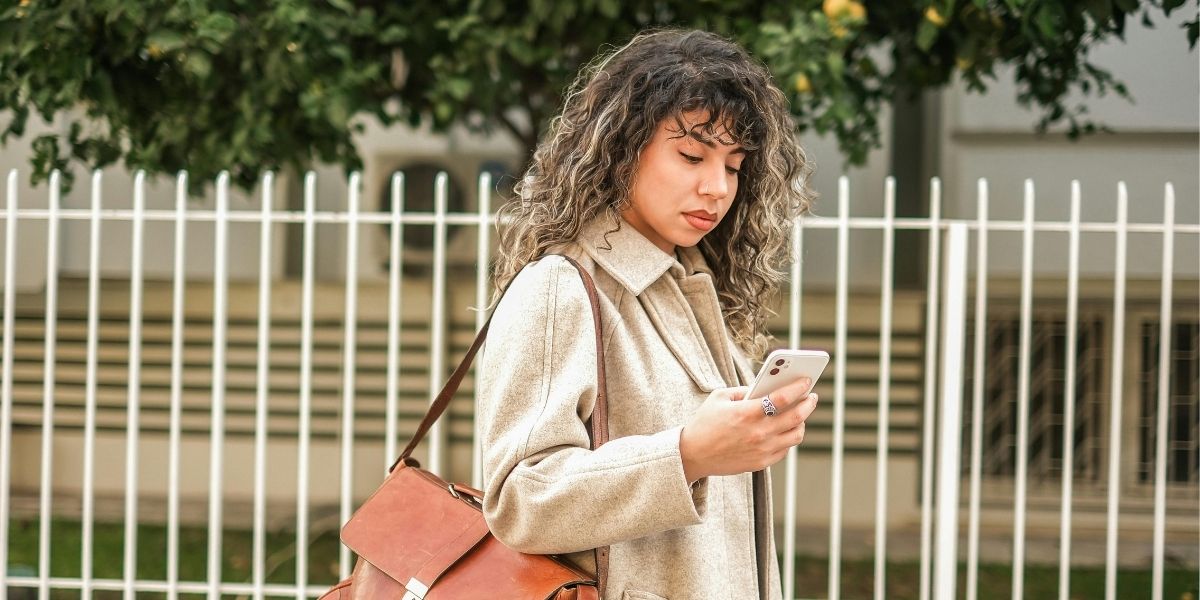
Learn about monitoring, tracking & spyware
If someone shares your images (or threatens to)
Sharing, or threatening to share, intimate images of someone without their consent is a criminal offence in Ireland.
No judgement. No pressure. Just support. Call us for free any time on 1800 911 221